
OBS Studio 33.0.0 Portable
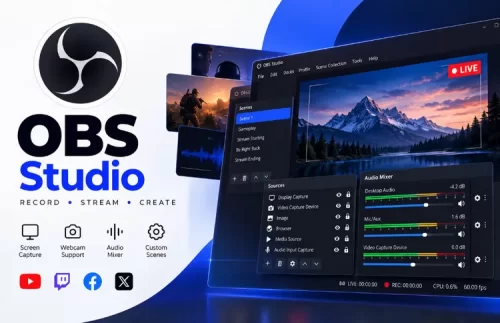
🎥 OBS Studio 33.0.0 Portable – Screen Recording and Live Streaming Software
OBS Studio 33.0.0 Portable is a free, open-source application for video recording and live streaming. It allows users to capture their screen, record gameplay, combine multiple video and audio sources, and stream content to supported platforms. Its customizable scene system makes it suitable for content creators, educators, and streamers.
⭐ Key Features
- ✔ Record desktop screens, applications, and gameplay
- ✔ Stream live video to supported streaming platforms
- ✔ Combine webcams, microphones, images, and other media sources
- ✔ Create multiple scenes with customizable layouts
- ✔ Mix and adjust audio sources using built-in audio controls
- ✔ Configure video resolution, frame rate, and recording quality
- ✔ Extend functionality with supported plugins
- ✔ Save recordings in supported video formats
📌 File Information
Software: OBS Studio 33.0.0 Portable.zip
Format: ZIP Archive
Category: Multimedia / Screen Recording & Live Streaming
Platform: Windows